Please watch the video below to understand how you can upload submissions, take assessments, and access course content using the CENTA LMS.
https://youtube.com/watch?v=zmlzBXT-TIc%3Ffeature%3Doembed
This video is a demonstration for those using a phone to complete the course.
https://youtube.com/watch?v=_IVxoto9wcg%3Ffeature%3Doembed
This video is a demonstration for those using a computer or laptop to complete the course.
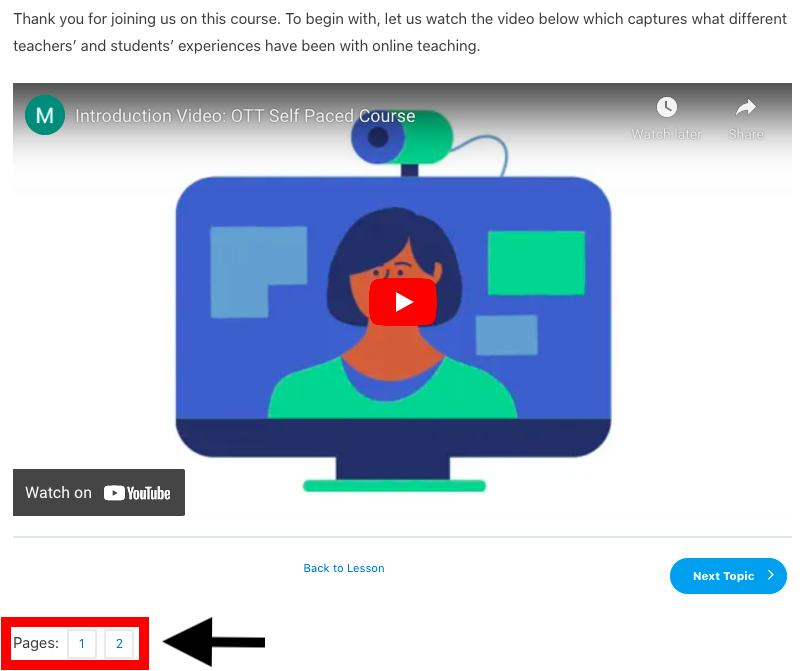
Important Note: Before moving on to the next topic, ensure that you have completed the content on all pages of the current topic. You can navigate between pages by using the buttons at the bottom of your screen, as seen in the screenshot below. Some topics may consist of a single page, in which case these buttons will not be present. We have illustrated this in the screenshot below –